By Hub Virtual Assist
Your competitor is ranking above you in your city — not because they have a better business, but because their website is better optimized for local search. That’s a fixable problem.
On-page SEO for local businesses comes down to one thing: making it undeniably clear to Google what you do, where you do it, and who you serve. When your site gets that right, the rankings follow.
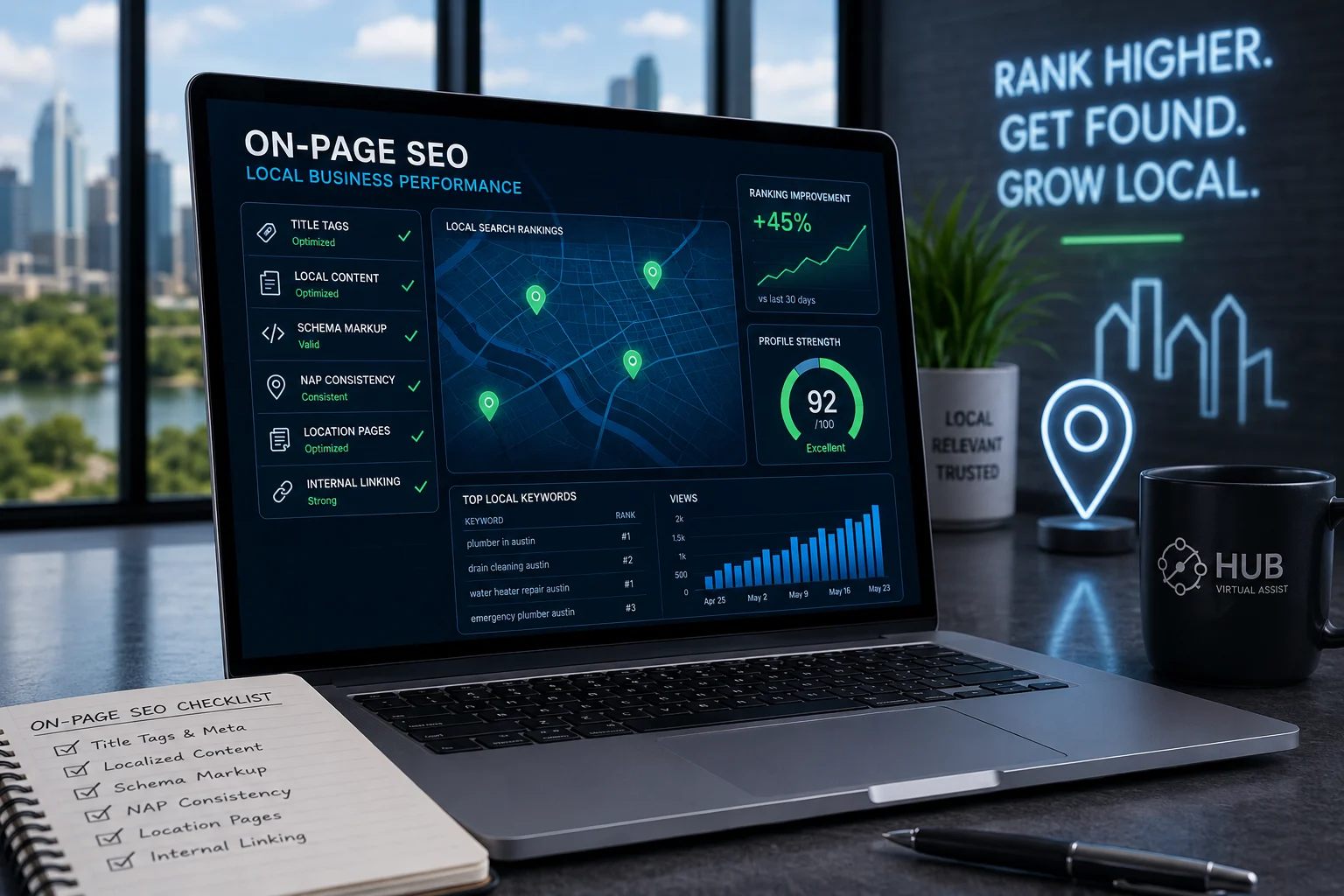
Below are six on-page SEO tactics that move the needle for local businesses. Each one is something you can act on this week — no agency required.
What’s covered: Title tags and meta descriptions · Localized content · Local schema markup · NAP consistency · Location pages · Internal linking — plus a quick checklist at the end.
1. Optimize Title Tags & Meta Descriptions with City Keywords
Your title tag is the single most influential on-page signal for local rankings. If it doesn’t include your primary service and your city, you’re leaving ranking power on the table.
The formula is simple: [Primary Service] + [City] + [Trust Signal or Brand]. Keep it under 60 characters so it doesn’t get cut off in search results.
Title Tag Example
Plumber in Austin, TX | Licensed & Same-Day Service | BrightFlow → Service: Plumber · City: Austin, TX · Trust: Licensed + same-day
Meta Description Example
Austin’s go-to plumber for drain clogs, water heater repairs & leak fixes. Licensed, insured, and available same-day. Call now for a free estimate. → 148 characters · City · Services · Trust signal · CTA
Quick Rules for Title Tags
- Lead with the service keyword, not your brand name
- Every page needs a unique title tag — never duplicate them across pages
- Use your H1 to reinforce the title tag, but don’t copy it word for word
- For H1 tags with local keywords, match the city to the page’s specific service area
Pro tip: If you serve multiple cities, each city should have its own page with a unique title tag — not the same page with the city name swapped out.
2. Craft Localized Page Content
Generic service pages don’t rank in competitive local markets. What ranks is content that reads like it was written by someone who actually works in that city.
Local content optimization means weaving in city-specific details that are actually meaningful — not just dropping the city name into every other sentence. Think about what makes your target city’s homeowners or businesses different from the next city over.
- Mention specific neighborhoods, ZIP codes, or districts you serve
- Reference local conditions that affect your service (coastal humidity, hard water, extreme heat, freeze-thaw cycles)
- Name local landmarks only when they provide useful geographic context — not as filler
- Speak to the local housing stock (older homes, new builds, specific construction types)
Weak vs. Strong Local Content
Weak: “We serve homeowners in Dallas and the surrounding areas.”
Strong: “Homes in Lakewood and East Dallas frequently deal with aging cast iron drain lines that corrode from the inside out. Our hydro-jetting service clears those blockages without damaging original pipe work.”
The strong version tells Google — and your customer — that you actually know the area. That specificity is what separates a page that ranks from one that doesn’t.
How Often to Mention the City
Your city keyword should appear in the H1, in the opening paragraph, in at least one H2, and naturally throughout the body. Aim for density that reads naturally — around 1–2 mentions per 150–200 words is a reasonable target. More than that starts to look like stuffing.
Struggling to get your service pages to rank in your city? Contact Hub Virtual Assist — we build location-specific content strategies for service businesses across the country. Call (601) 281-8482 or email admin@hubvirtual.net.
3. Add Local Schema Markup
Schema markup is structured data — a snippet of code you add to your pages that tells search engines exactly what your business is, where it’s located, and what it does. It doesn’t make your page look different to visitors, but it makes a significant difference in how Google reads and categorizes your site.
For local businesses, the most important schema type is LocalBusiness (or a more specific subtype like Plumber, ElectricalContractor, or RoofingContractor).
What to Include in Your Local Schema
- Business name — exactly as it appears on Google Business Profile
- Address — full street address, city, state, ZIP
- Phone number — matching your NAP everywhere else
- Service area — list the cities or ZIP codes you cover
- Opening hours — including emergency or after-hours availability
- Geo-coordinates — latitude and longitude of your location
- Aggregate rating — if you have legitimate reviews to display
Add this schema to every key page on your site — your homepage, service pages, and location pages. It takes 15–30 minutes to set up and pays dividends in how Google understands your business’s local relevance.
Validation matters: After adding schema, run your pages through Google’s Rich Results Test to confirm there are no errors before publishing.
4. Keep Your NAP Consistent Across Your Site
NAP stands for Name, Address, Phone Number. It sounds basic, but inconsistent NAP data is one of the most common — and most damaging — local SEO mistakes businesses make.
If your website says “Suite 100” and your Google Business Profile says “Ste. 100,” Google treats those as two different addresses. Multiply that inconsistency across dozens of directories and citation sources, and you’re sending mixed signals that hurt your local rankings.
NAP on Website: Best Practices
- Your NAP should appear on every page — typically in the footer
- The homepage should also include it in the body content or contact section
- Use the exact same formatting across your website, Google Business Profile, Yelp, BBB, and every directory listing
- Mark up your NAP in your LocalBusiness schema so search engines can parse it cleanly
Before you publish anything, pick one canonical version of your business name, address, and phone number — and use that version everywhere, without exception.
5. Build Dedicated Location Pages
If your business serves more than one city, one page won’t cut it. Each city you target deserves its own dedicated location page — and that page needs to be genuinely different from every other location page on your site.
Location pages SEO works best when each page is built around the specific needs, conditions, and audience of that city. Don’t take your Phoenix page and swap in “Scottsdale” — that’s thin content, and Google knows it.
What Makes a Strong Location Page
- City-specific H1 and title tag
- Content that references local neighborhoods, housing types, or service challenges unique to that area
- A local phone number if you have one (or a tracking number tied to that city)
- LocalBusiness schema with that city’s address or service area data
- Internal links to your core service pages
- At least 400–600 words of original, localized content — not boilerplate
Done right, a set of well-built location pages is one of the highest-ROI SEO assets a local service business can have. Each page creates a new entry point for city-specific searches.
6. Use Internal Linking to Strengthen Local Relevance
Internal links pass authority around your site and help Google understand how your pages relate to each other. For local businesses, a smart internal linking structure also reinforces the connection between your service pages and your location pages.
The anchor text you use in internal links matters. Descriptive anchors with keywords — like “our Austin drain cleaning service” or “HVAC repair in Denver” — signal relevance to Google far more effectively than generic text like “click here” or “learn more.”
Internal Linking Local SEO — Where to Start
- Link from every location page to your relevant service pages
- Link from service pages back to related location pages
- Link from blog posts to the service or location page most relevant to the topic
- Keep your homepage linking to your top-priority service and location pages
Minimum benchmark: Service and location pages should have at least 3 internal links each. Blog posts need a minimum of 2. These links should use descriptive, keyword-rich anchor text — not generic phrases.
A well-linked site tells Google which pages matter most and helps those pages accumulate ranking strength from the rest of your site. It’s one of the fastest on-page wins you can make without touching a single line of external code.
On-Page SEO Checklist for Local Businesses
Use this before publishing any new page or after auditing an existing one.
Title Tags & Meta
- ☐ Title tag includes primary service + city (under 60 chars)
- ☐ Meta description includes city, differentiator, and CTA (under 155 chars)
- ☐ H1 is unique and includes the target keyword + city
Content & Localization
- ☐ City keyword appears in the first 100 words
- ☐ Content references local neighborhoods, conditions, or housing context
- ☐ Content is original — not duplicated from another location page
Schema & NAP
- ☐ LocalBusiness schema added and validated (no errors in Rich Results Test)
- ☐ NAP in footer matches Google Business Profile exactly
- ☐ Schema includes service area, geo-coordinates, and business hours
Internal Linking
- ☐ Minimum 3 internal links on service/location pages
- ☐ Anchor text is descriptive and keyword-relevant (no “click here”)
- ☐ Location pages link to corresponding service pages and vice versa
Frequently Asked Questions
What is on-page SEO for local businesses?
On-page SEO for local businesses refers to the optimizations made directly on your website pages — title tags, headings, content, schema markup, and internal links — to help those pages rank for city-specific search queries. Unlike off-page SEO (backlinks, citations), on-page work is entirely within your control and directly signals to Google what you do and where you do it.
Does internal linking help local rankings?
Yes. Internal linking helps in two ways: it passes PageRank (link authority) from stronger pages to weaker ones, and it tells Google how your pages relate to each other. For local businesses, linking location pages to service pages — and vice versa — reinforces the relevance of both for local searches. Using descriptive anchor text that includes city and service keywords amplifies that signal further.
Why is NAP consistency important for local SEO?
NAP — Name, Address, Phone — consistency matters because Google cross-references your business data across your website, Google Business Profile, and dozens of directory listings. Inconsistencies (even minor ones like “Ave.” vs “Avenue”) create conflicting signals that reduce Google’s confidence in your business’s legitimacy and location. Consistent NAP data builds the trust that improves local pack and organic rankings.
What is local schema markup and do I really need it?
Local schema markup is structured data code — typically in JSON-LD format — that tells search engines your business name, address, phone, hours, service area, and business type in a machine-readable format. It doesn’t change how your page looks to visitors. For competitive local markets, yes, you need it. It removes ambiguity for Google and can improve how your listing appears in search results, including rich snippets and knowledge panel data.
How often should I update my local content?
Service and location pages should be reviewed every 6–12 months to make sure information is current — pricing, service offerings, seasonal details, and any local conditions that may have changed. A simple refresh — adding a new section, updating a statistic, or expanding an FAQ — can re-signal freshness to Google and improve rankings on pages that have stalled.
Should every city I serve have its own webpage?
Yes — if ranking in that city matters to your business. A single page trying to rank for 10 cities will consistently lose to a competitor who has a dedicated page for each one. Each location page creates a separate entry point for city-specific searches and allows you to include genuinely localized content that generic, multi-city pages can’t match. The key is making each page substantively different, not just swapping the city name.
What’s the difference between on-page and off-page local SEO?
On-page SEO covers everything on your actual website: title tags, headings, content, schema, NAP, page structure, and internal links. Off-page local SEO includes factors outside your site — Google Business Profile optimization, backlinks from local websites, citation building in directories, and review acquisition. Both matter, but on-page is the foundation. Getting off-page signals without solid on-page fundamentals is like driving with flat tires — the effort doesn’t convert the way it should.
| Get Your Free Local On-Page SEO ChecklistDowload the full printable checklist – plus get a no-obligation audit of your site’s current local SEO health. Trusted by local service business across the country. |
Call (601) 281-8482 | Email Us for Local SEO Help
Hub Virtual Assist 6001-21 Argyle Forest Blvd. #352, Jacksonville, FL 32244 (601) 281-8482 | admin@hubvirtual.net